
Advanced Topics of Human Computer Interaction
Wave
design brief
The brief for this project was to propose and create a prototype design involving emerging technology to achieve an intended user experience, followed by an evaluation plan to assess whether the intended experience was achieved. I chose to design Wave, an emotion adaptive food sensitivity app, designed to help users identify their problem foods by consistently tracking nutrition, mood and symptoms. The app leverages data collected from both self tracking methods as well as physiological data (heart rate variability and electrodermal activity) through a smartwatch.
Food sensitivities cannot be tested for the way that food allergies can. This presents issues for individuals trying to identify problem foods as it can be an overwhelming and difficult journey.
Problem
Outcome

An emotion adaptive food sensitivity app, designed to help users identify their problem foods by consistently tracking nutrition, mood and symptoms.
Storyboards
The storyboards were used to illustrate the problems that users face when trying to identify problem foods that trigger food sensitivity, such as feeling overwhelmed, getting distracted when symptoms come and go, forgetting to track food and symptoms, trying to cut out multiple foods in one go and not receiving any feedback.
This was used to identify the opportunity: a food sensitivity app that leverages data collected from both self tracking methods as well as physiological data (heart rate variability and electrodermal activity) to provide users with useful feedback, with the goal of prolonged engagement to identify problem foods.
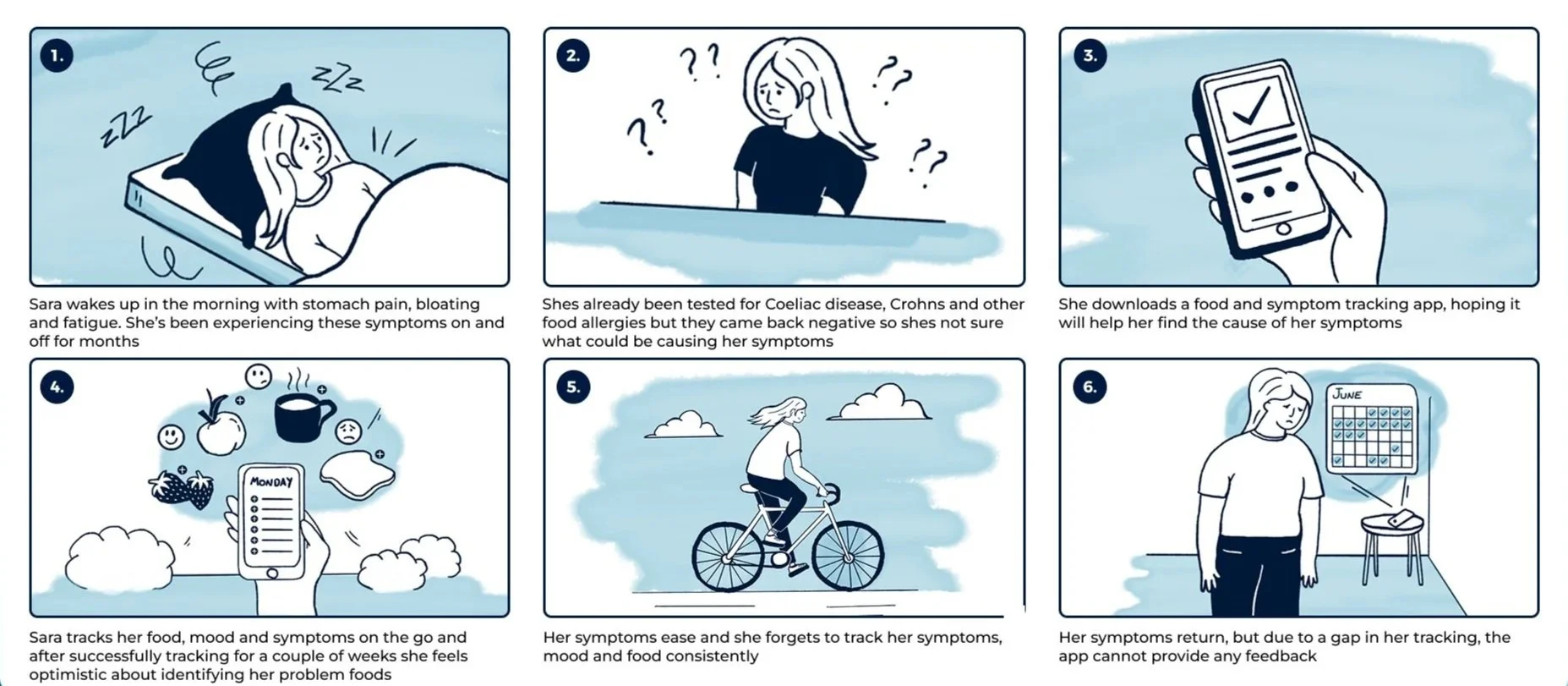
01
Inconsistent Data
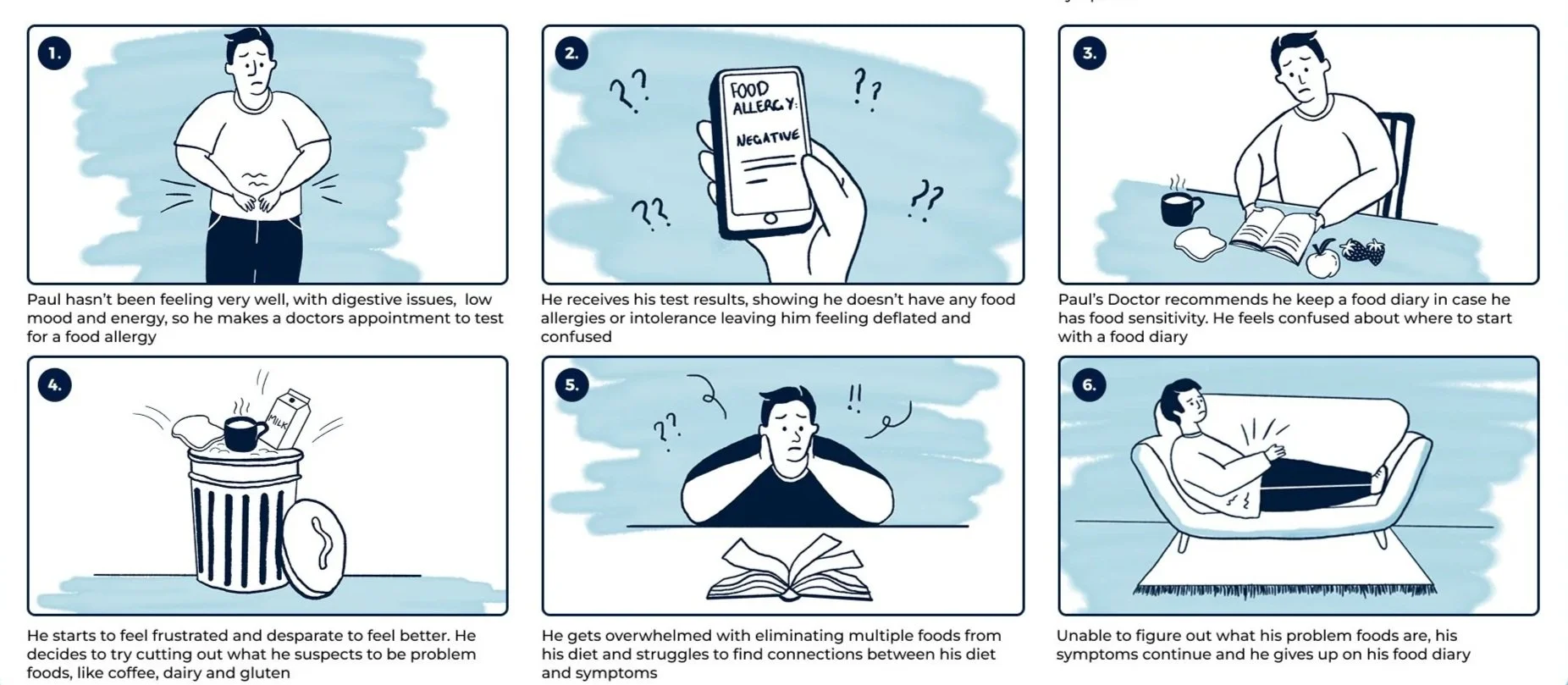
02
feelings of overwhelm
walkthrough: onboarding
Sara wakes up in the morning with stomach pain, bloating and fatigue. She’s been experiencing these symptoms on and off for months. She decides to download the Wave app to help her track her food and symptoms with the hopes of identifying foods that are causing her food sensitivity.
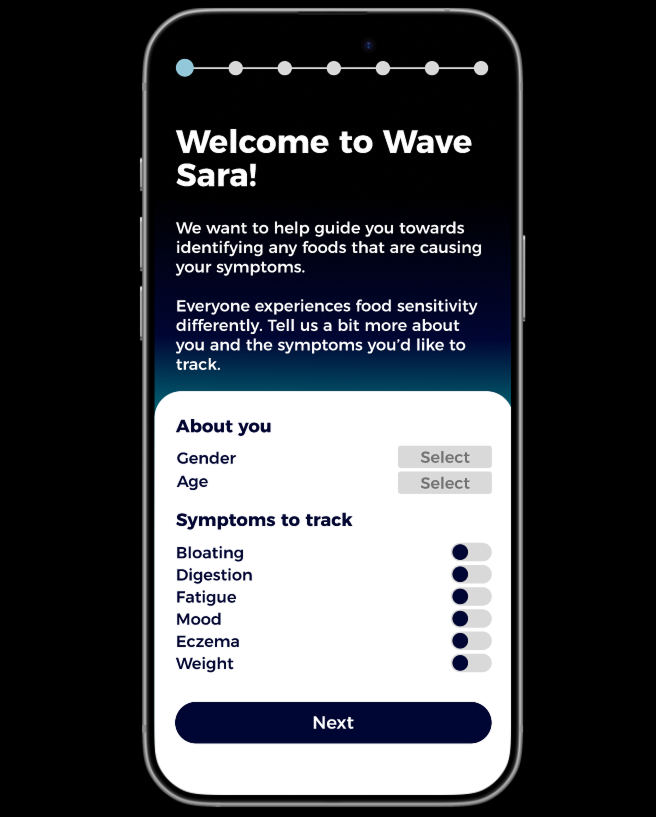
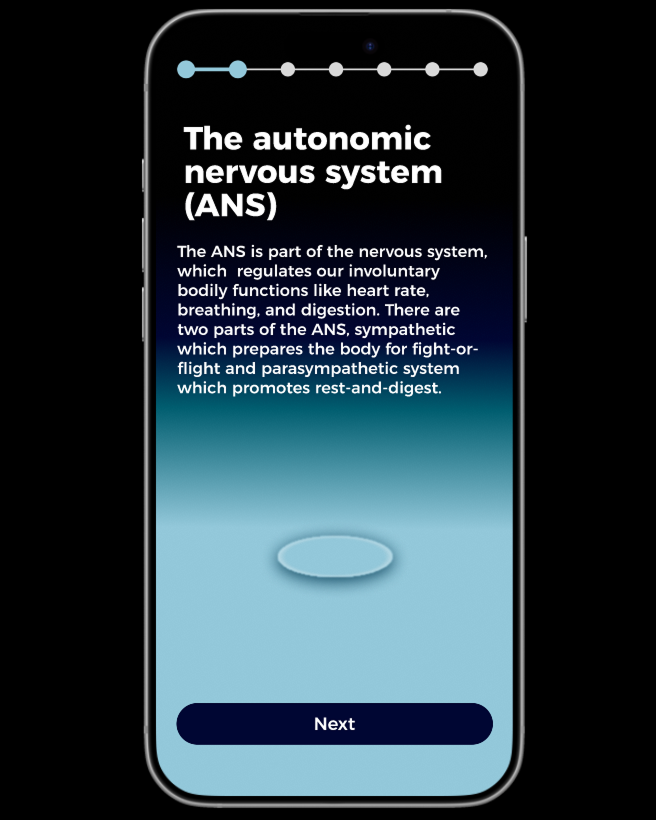
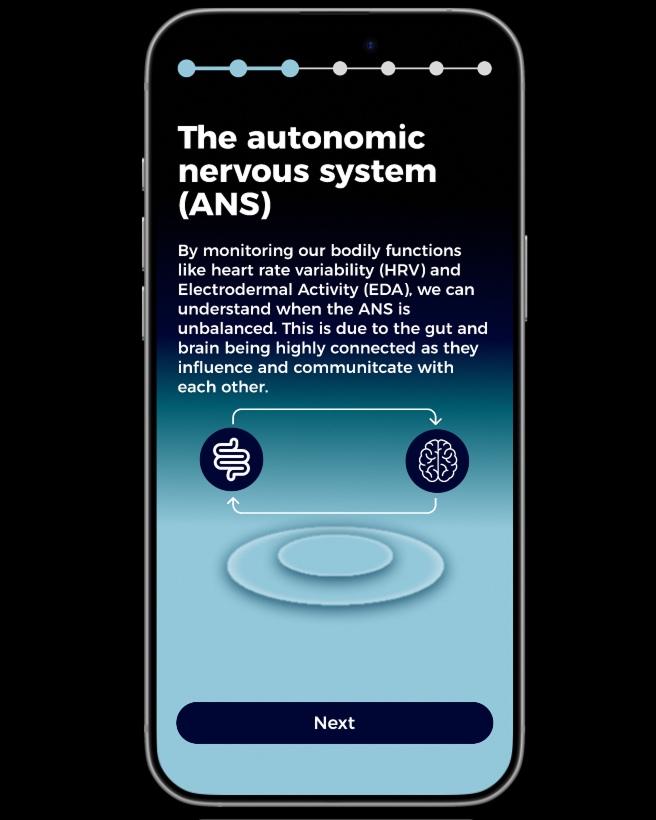
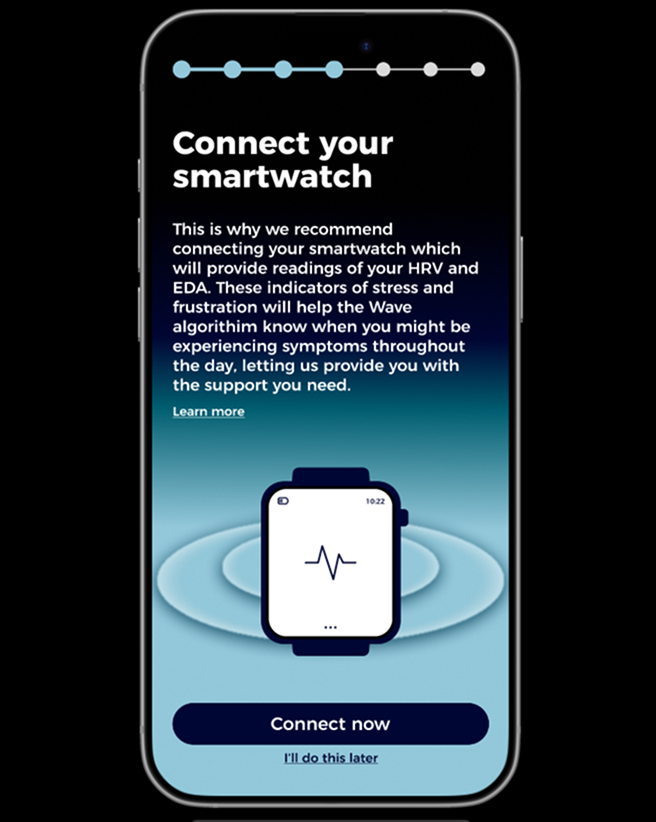
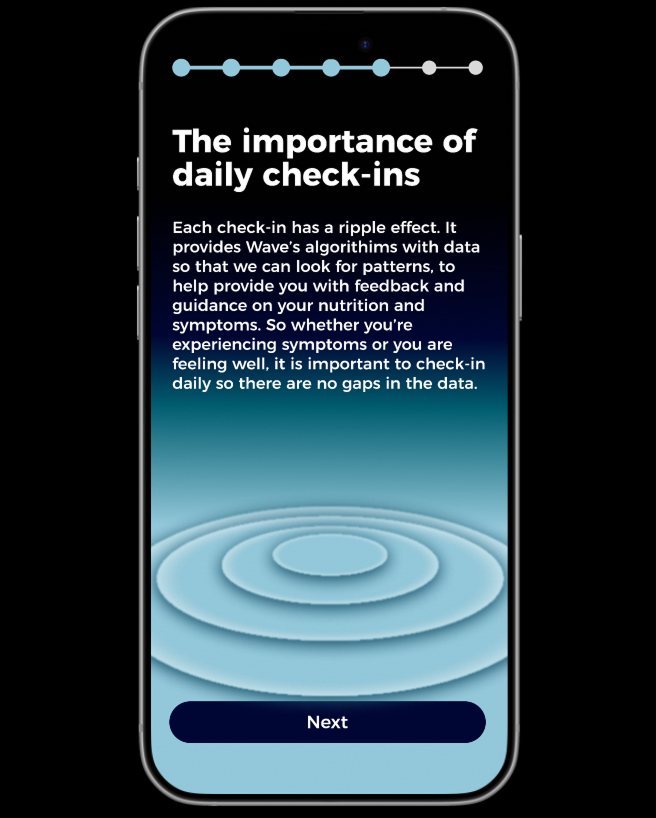
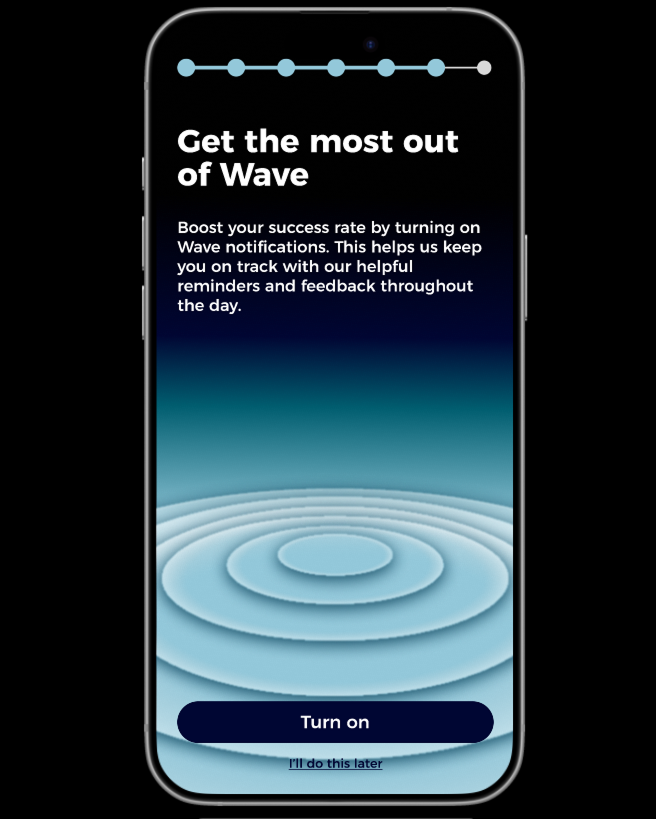
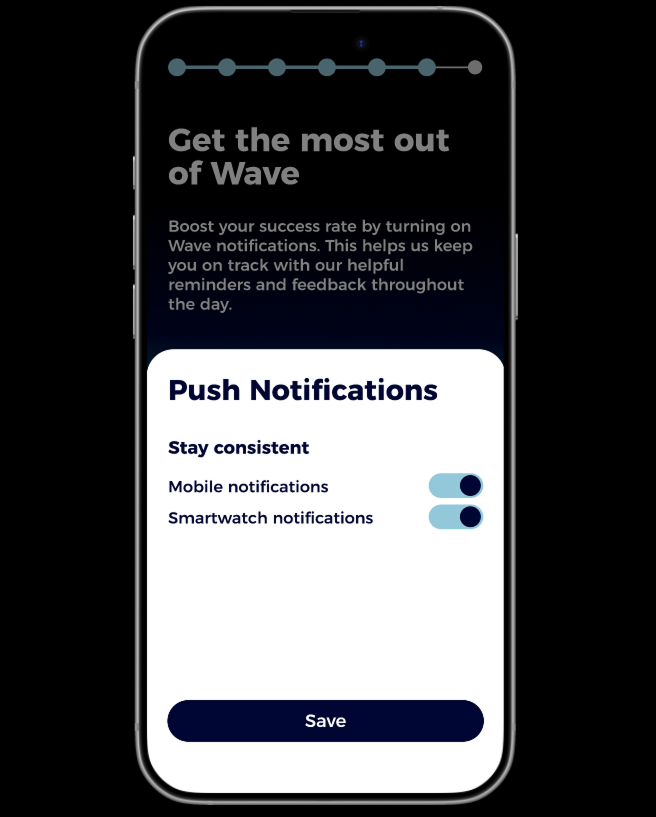
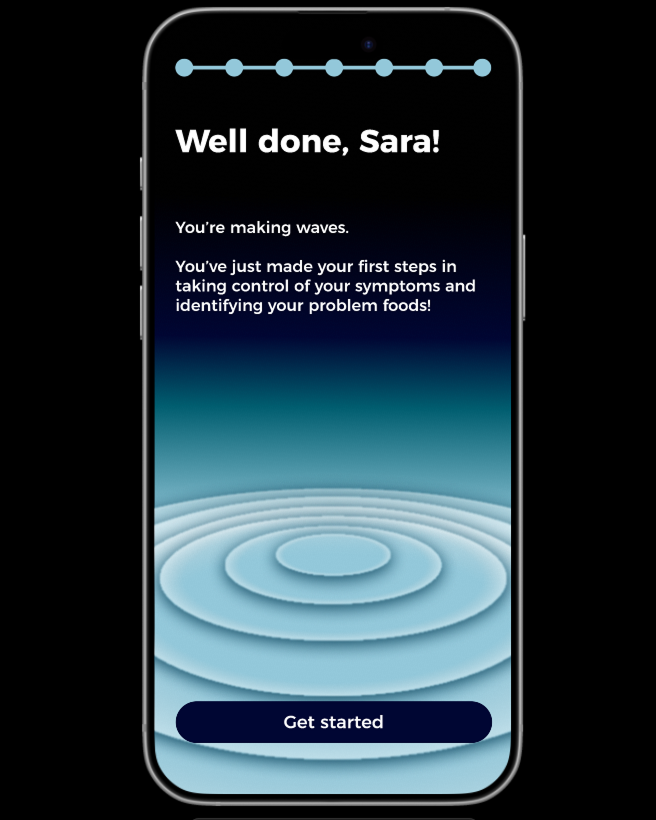
She logs into the app and moves through the on-boarding process, which helps her to understand the autonomic nervous system (ANS) (screens 3-4) and why its important to connect her smart watch so that the system can automatically detect stress and frustration (screen 5). The on-boarding also stresses the importance of consistent tracking and check-ins so that there is no gaps in the data (screen 6) and that to boost her success, Sara should turn on notifications in order to receive help and support in real time (screens 7-8).
Context
The on-boarding process helps Sara understand how machine learning uses her data, ensuring transparency about how the data collected is used. This aims to boost her success by maintining engagement with the app.
Outcome
walkthrough: True Negative
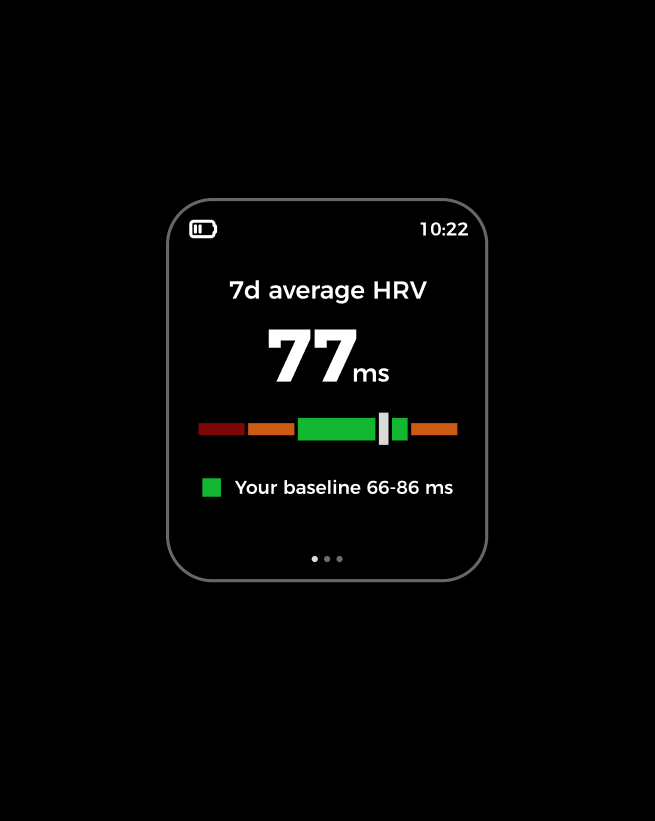
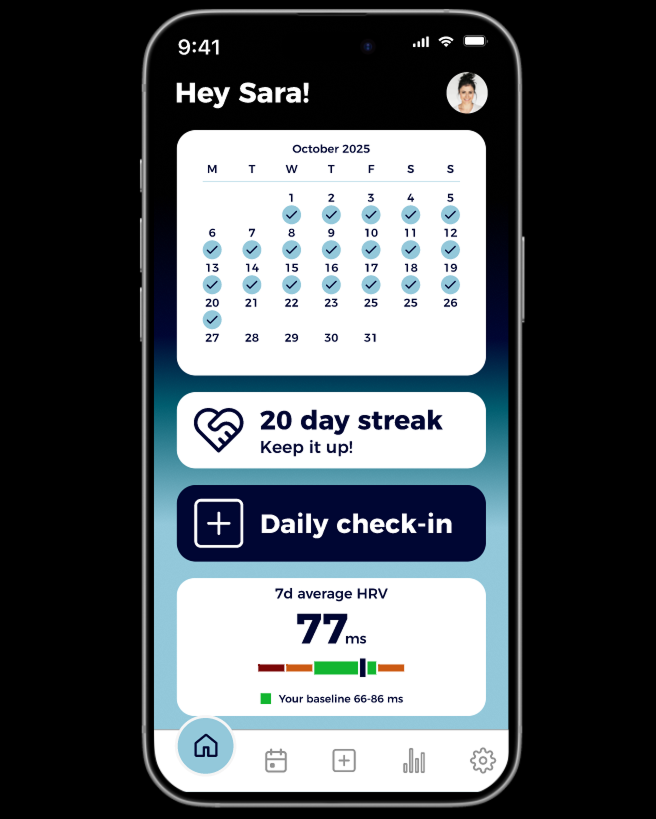
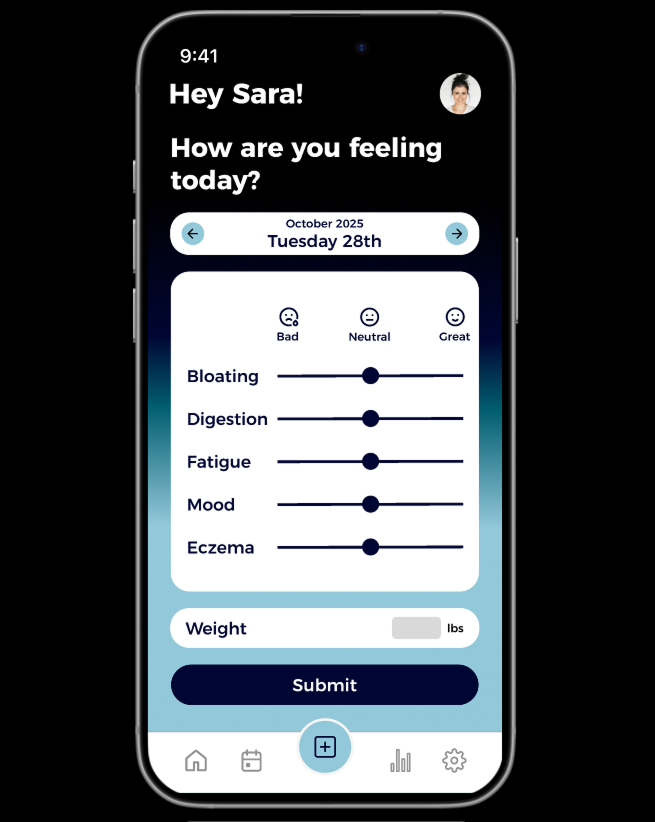
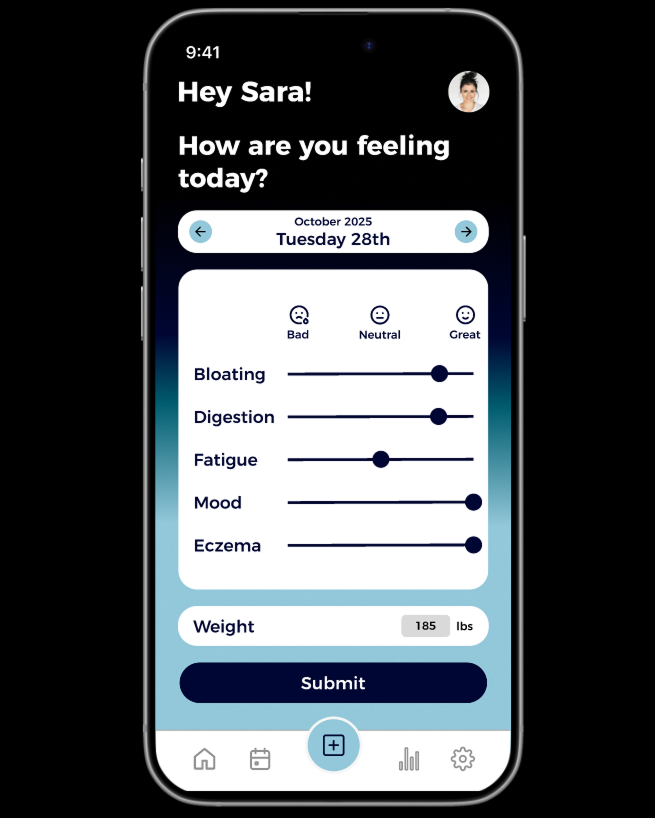
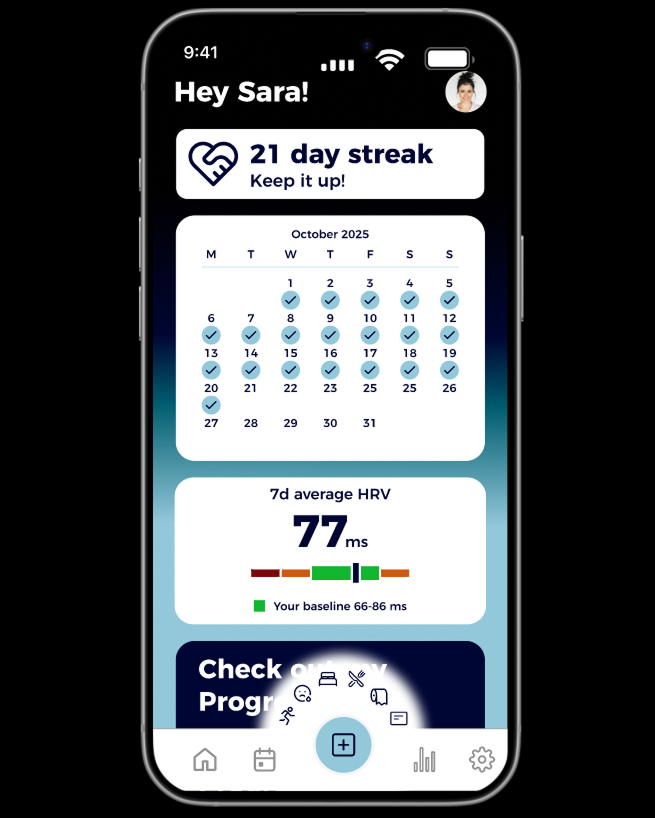
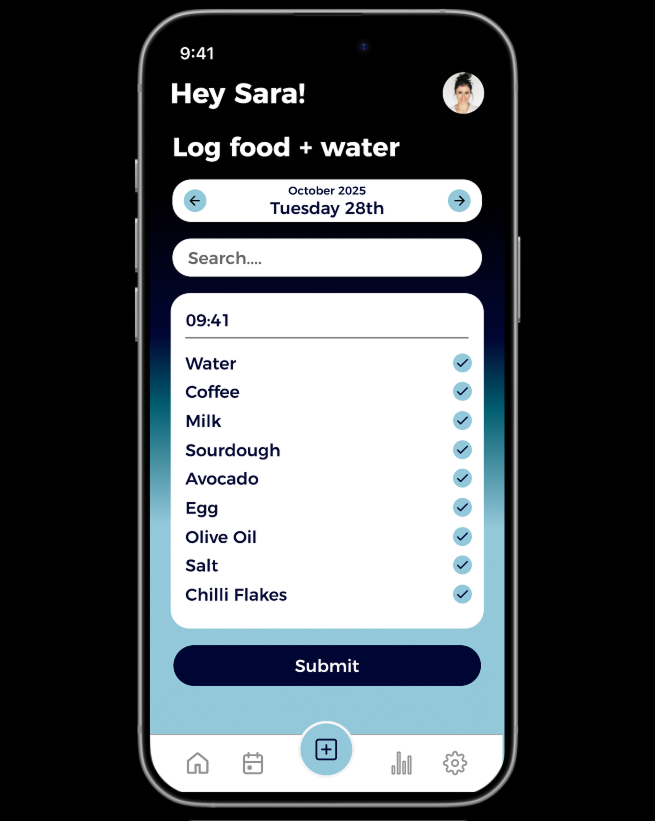
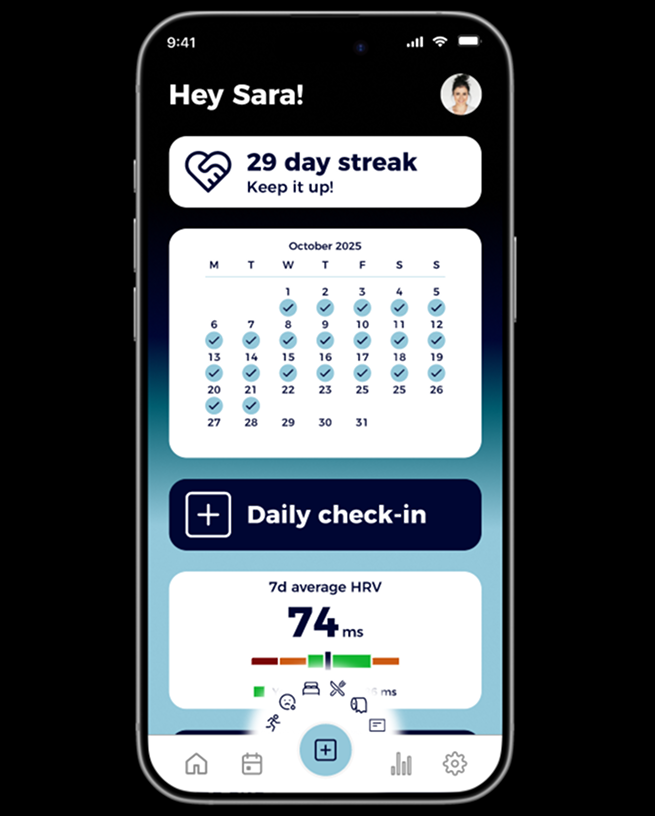
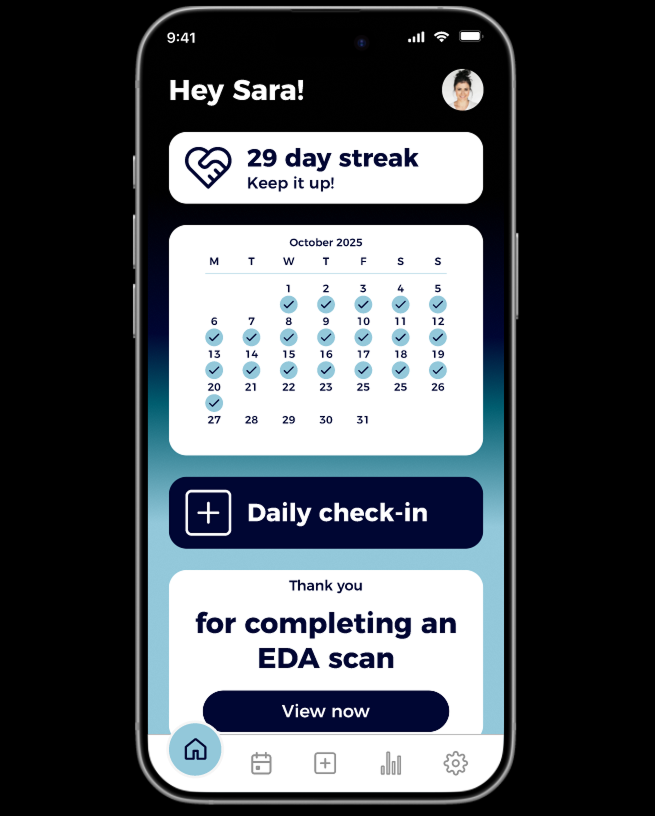
Sara wakes up in the morning and starts her daily check-in, where she is able to log mood and symptoms in the standard morning check-in. She has been consistent in her tracking and wearing her watch, with a 20 day streak (screens 1-4). Her HRV is within its normal range (Screen A).
Physiological Input + Self Reported Data
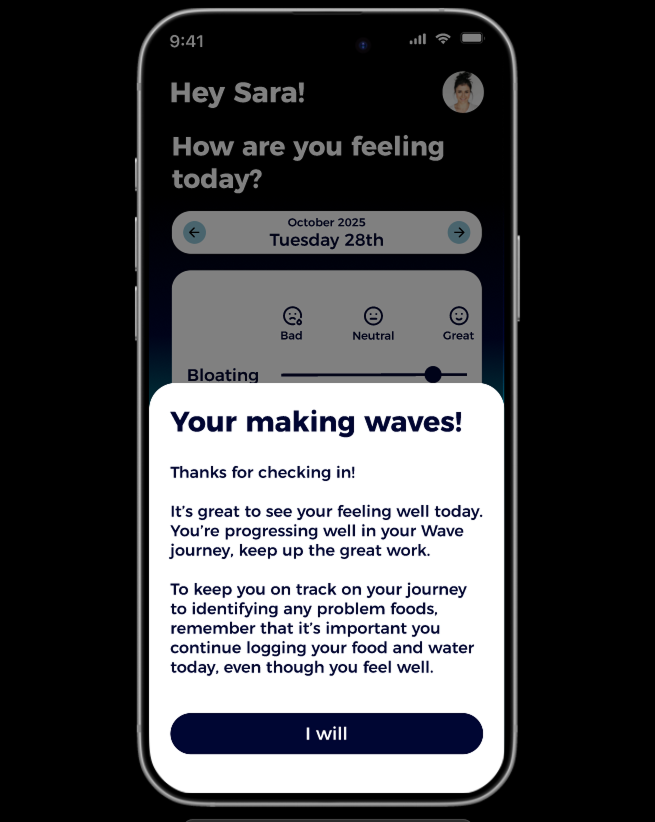
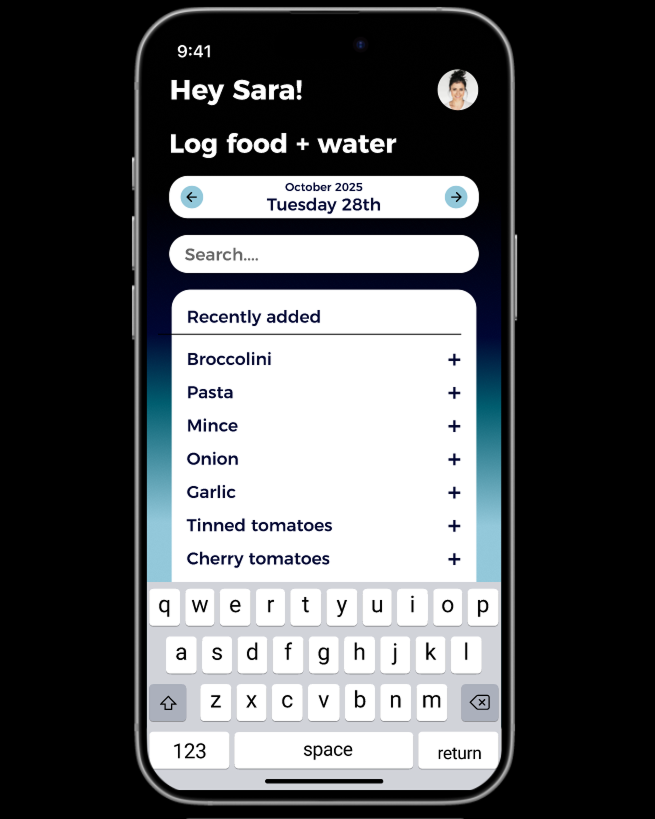
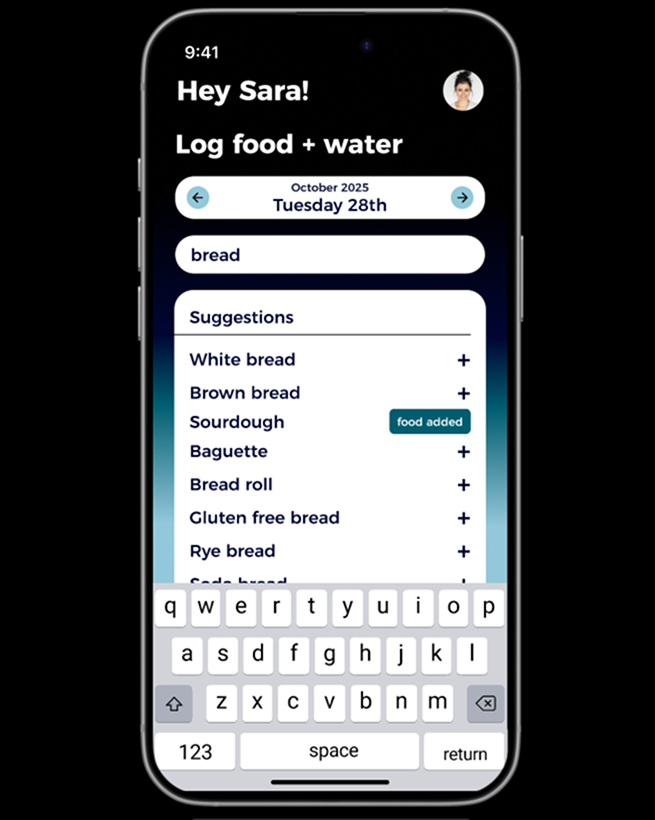
Because her physiological and self-reported data report reduced symptoms, she receives positive feedback, but also a reminder to say focused and consistent (screen 4). Sara adds her food and drink throughout the day, through the additional check in buttons (screens 5-8). She cycles throughout the day, which the accelerometer in her smartwatch detects and logs (screen B).
App Feedback
Although Sara is not experiencing symptoms, shes reminded of the progress shes making and that every check in has a ripple effect, ensuring she remains focused.
Outcome
walkthrough: True Positive
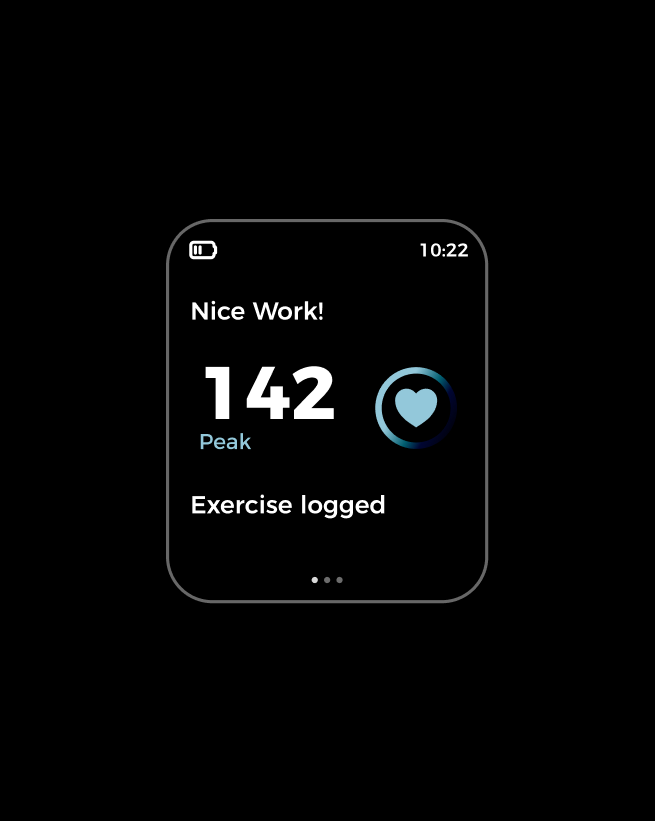
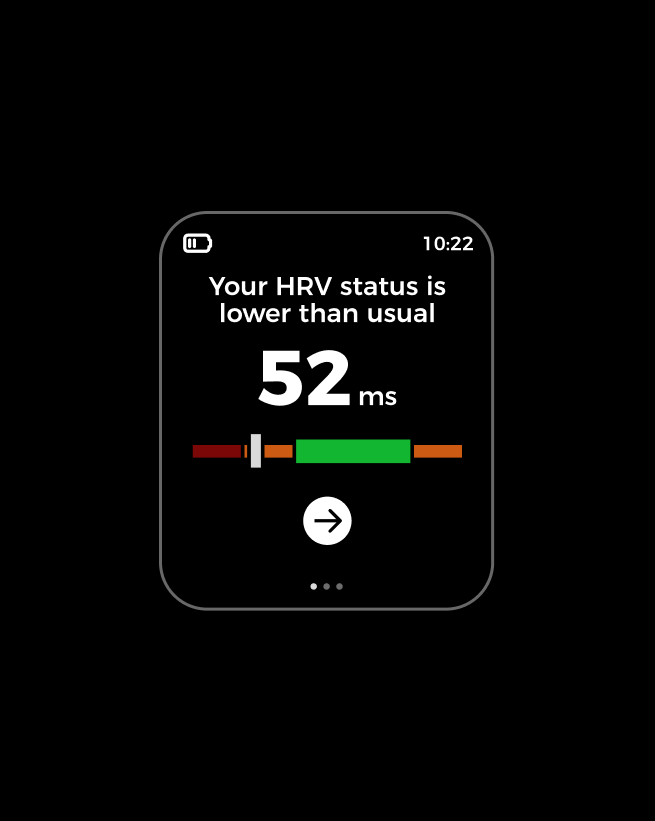
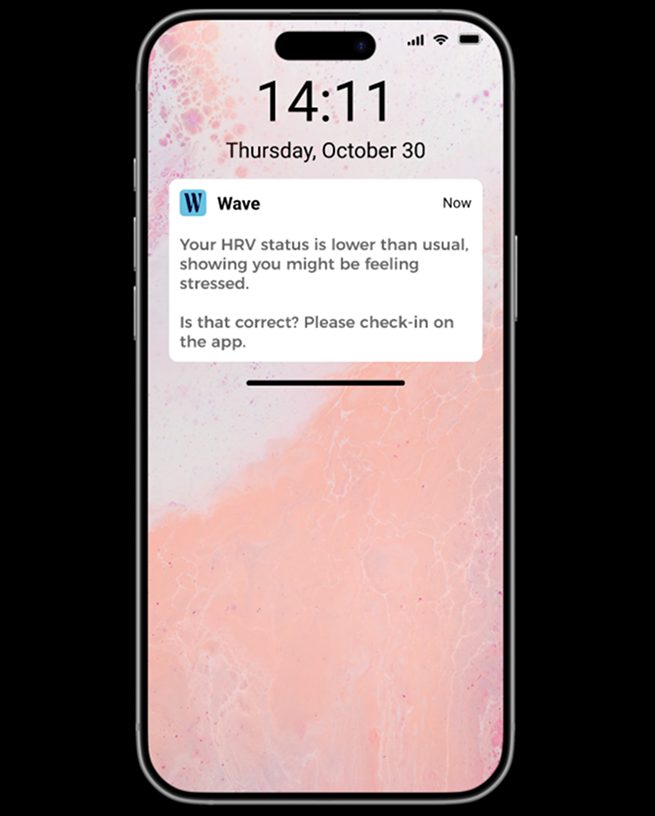
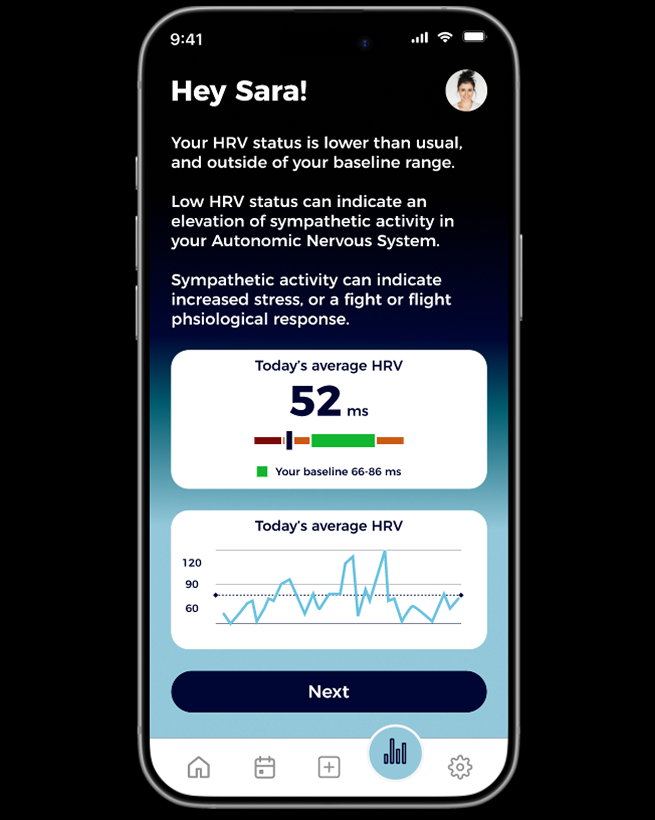
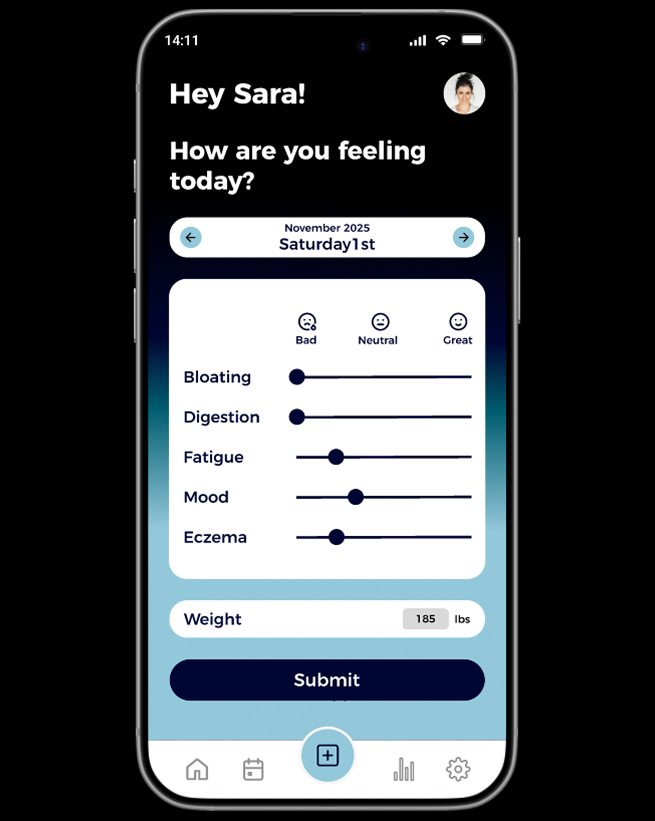
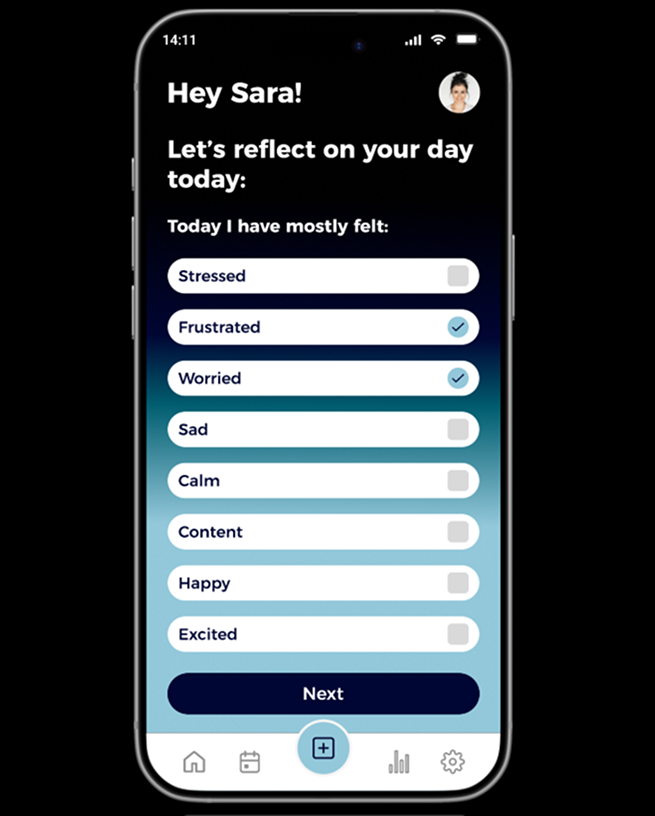
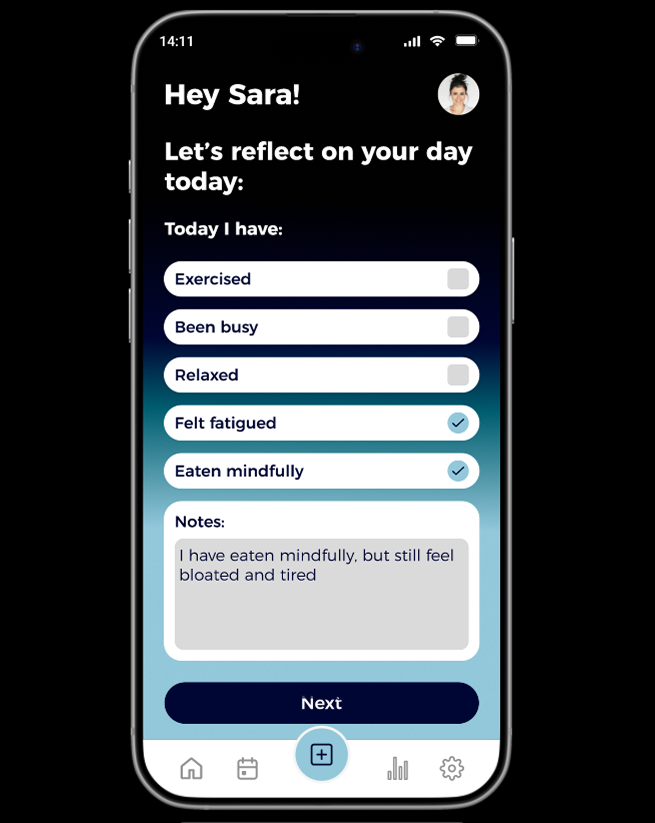
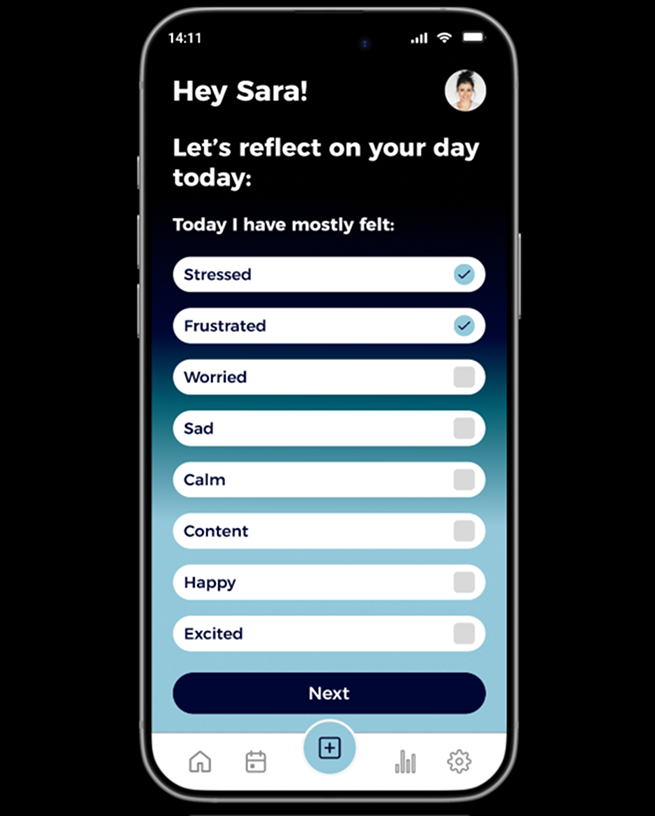
Sara’s smart watch receives physiological signals, showing her HRV status is lower than usual (screen A). This triggers a push notification requesting she check in (screen 1). She logs how she’s feeling (screen 3) and reflects on her day (screeen 4).
Physiological Input + Self Reported Data
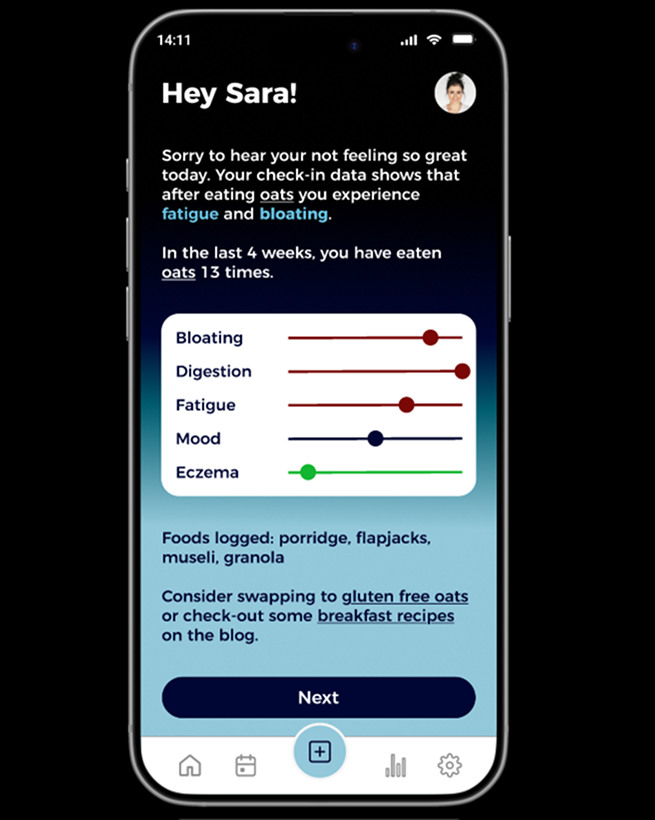
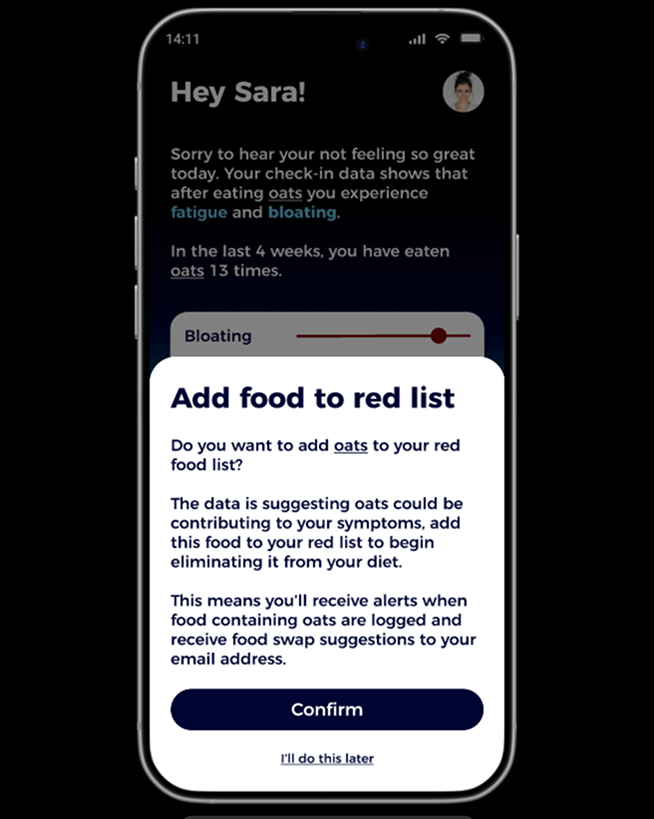
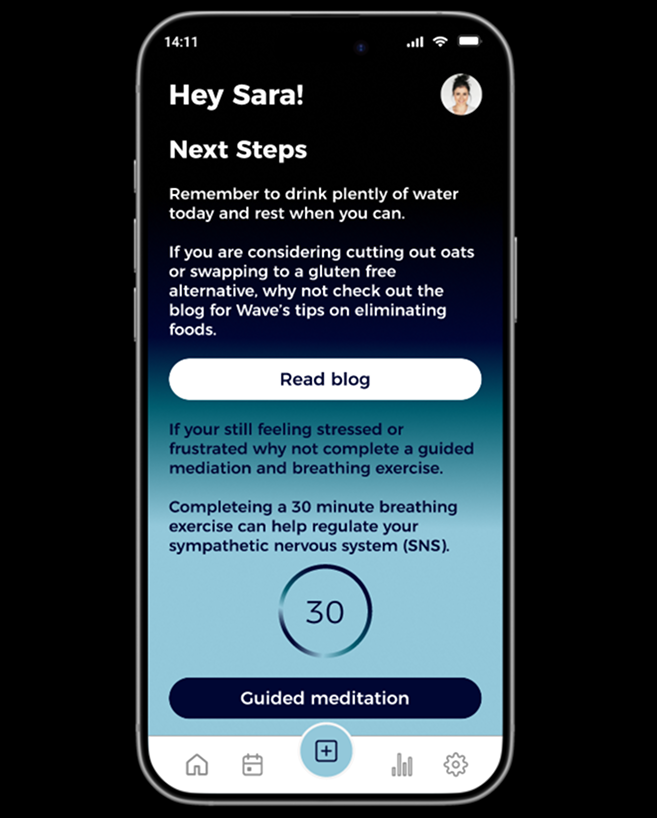
As a true positive is confirmed, the algorithm looks for patterns in the data and suggests that eating oats may be contributing to her symptoms. By detecting her emotions early through physiological data, before she even realises she doesn’t feel her best, Sara receives support and feedback on her diet (screens 6-7). Although she doesnt feel great, by staying engaged with the app she is encouraged to continue making steps toward identifying her problem foods and reduce her symptoms over time (screen 8). She is given the option to read about food swaps or complete a guided meditation (screen 9).
App Feedback
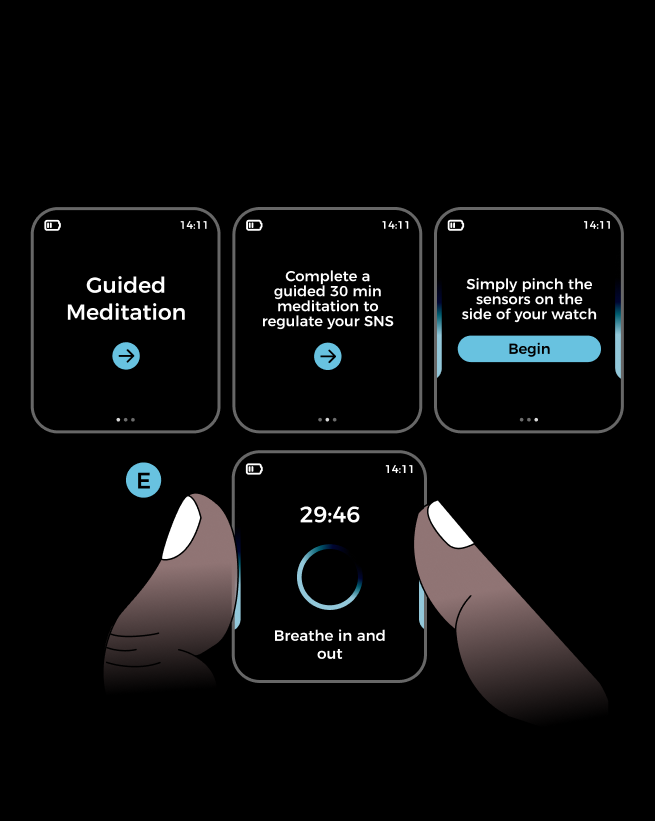
Although she is experiencing symptoms, the app is providing support and guidance so that she feels supported and knows what steps to take next. The guided meditation (screens B-E) helps her feel more calm and in control despite her set back.
Outcome

walkthrough: False Negative
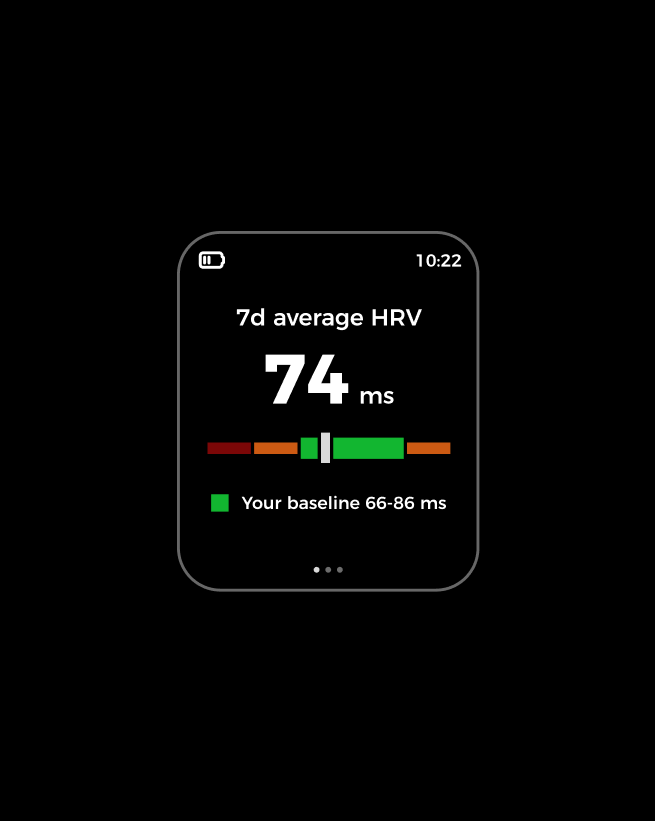
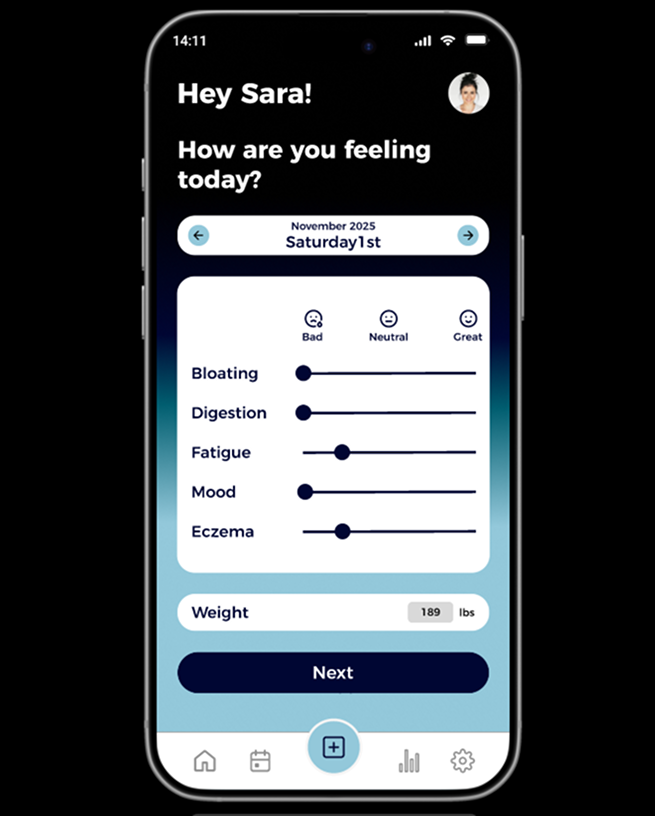
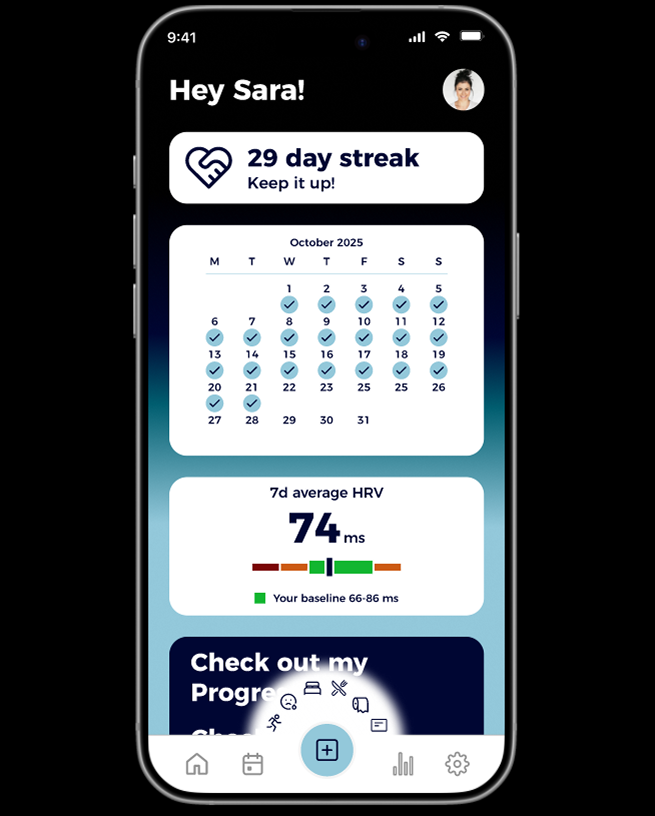
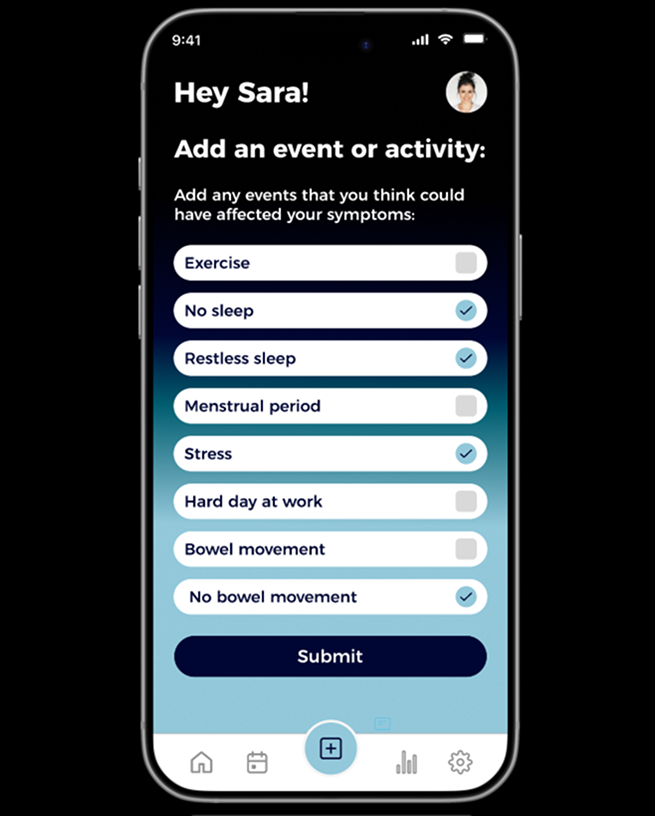
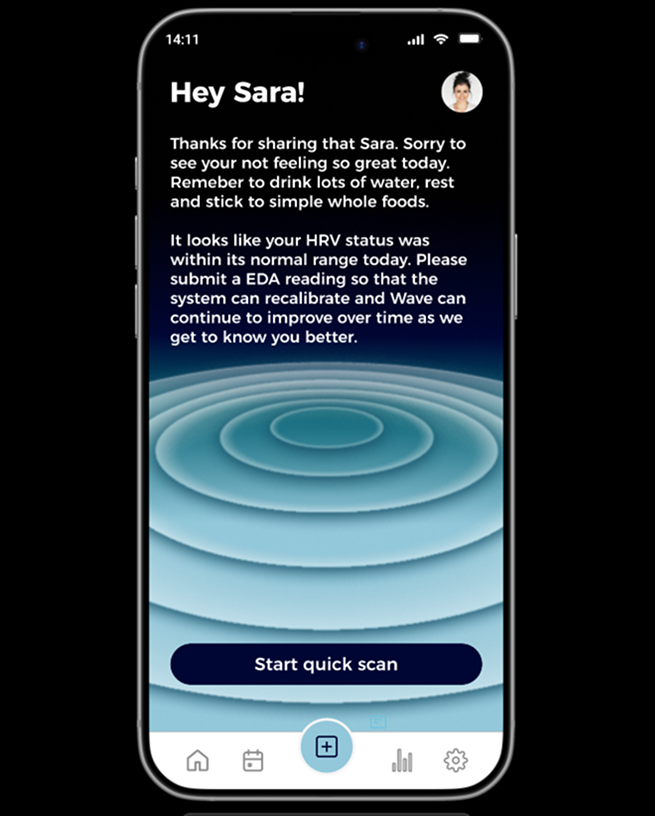
Sara’s HRV readings appear to be normal and within her baseline range (screen A). Sara logs an additional check in as she doesn’t feel well, her symptoms have flared up including bloating, digestion, low mood and fatigue which she logs, screens 1-6).
She decides to also add an event to her log, detailing that she hasn’t slept well or had a bowel movement (screen 7).
Physiological Input + Self Reported Data
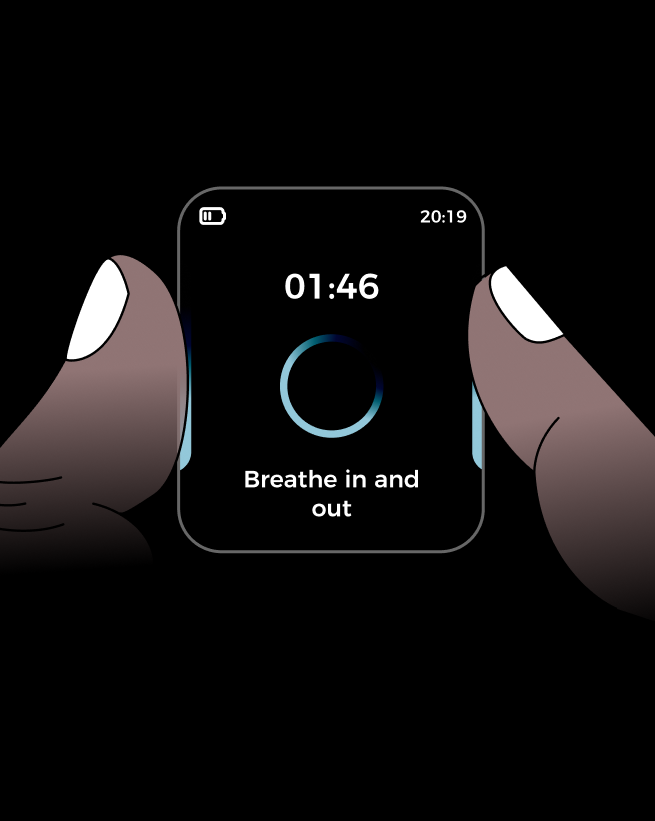
The Wave app recommends drinking lots of water, rest and sticking to simple foods to help ease her symptoms. Due to the false negative reading, the app requests an EDA scan for additional physiological data, so that it can recalibrate and improve future physiological readings.
App Feedback
Sara can regulate her stress and frustation through a guided meditation through the EDA scanner. Although the app didn’t detect her emotions, she feels reassured that the app will continue to improve.
Outcome
walkthrough: False Positive
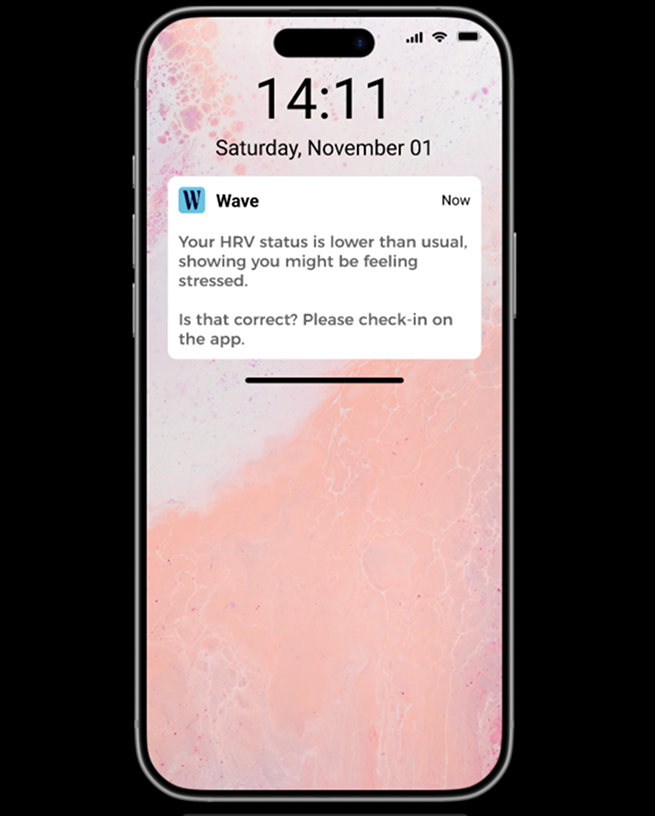
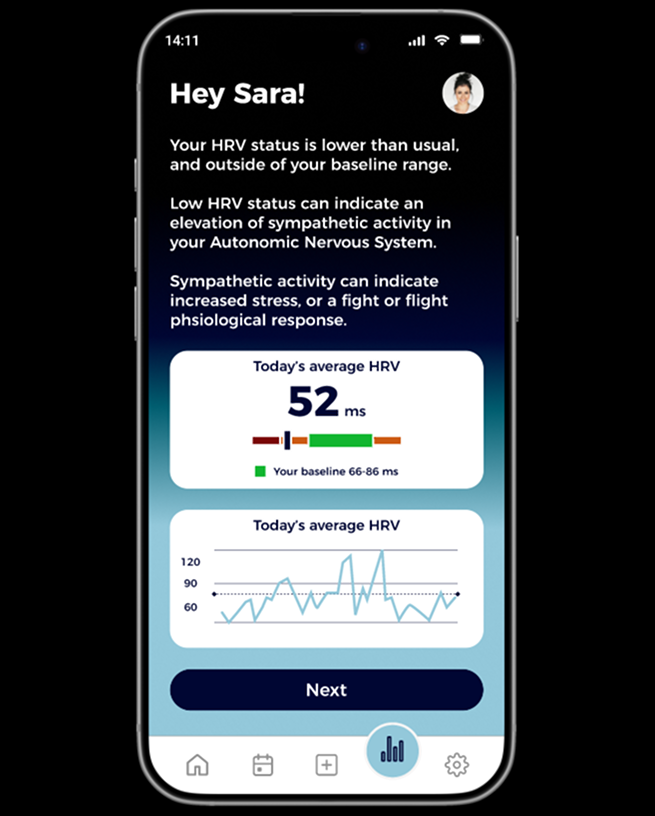
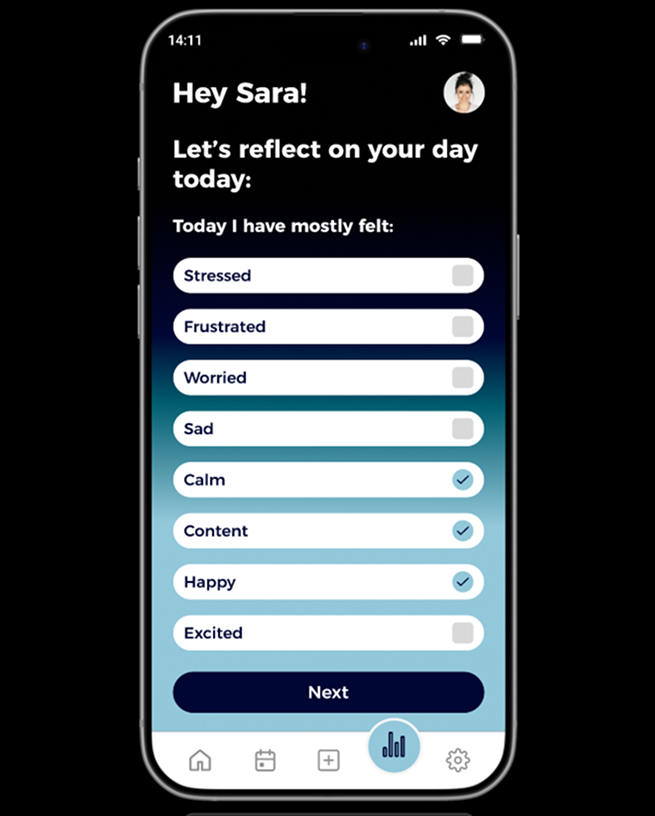
Sara’s HRV status is lower than usual. This triggers a push notification requesting she check-in (screen 1).
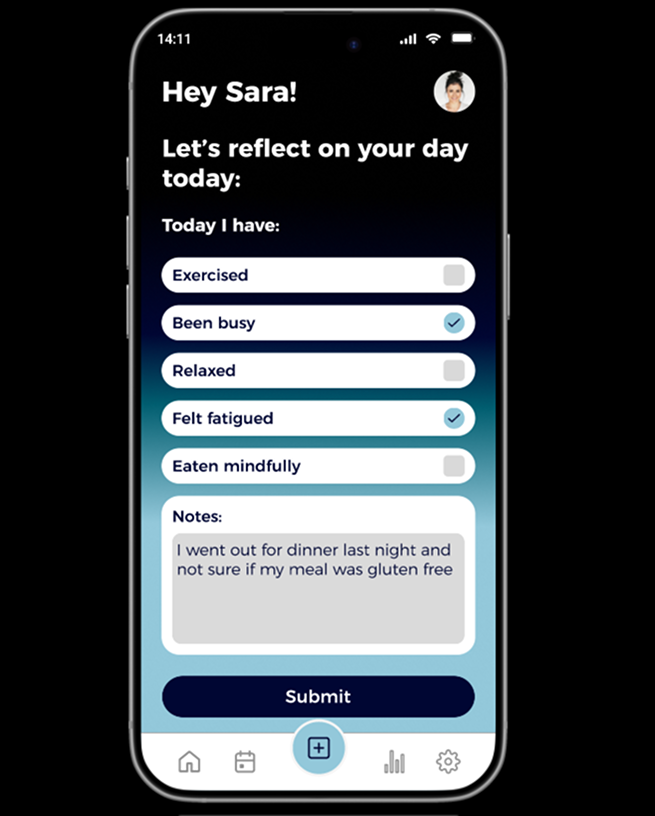
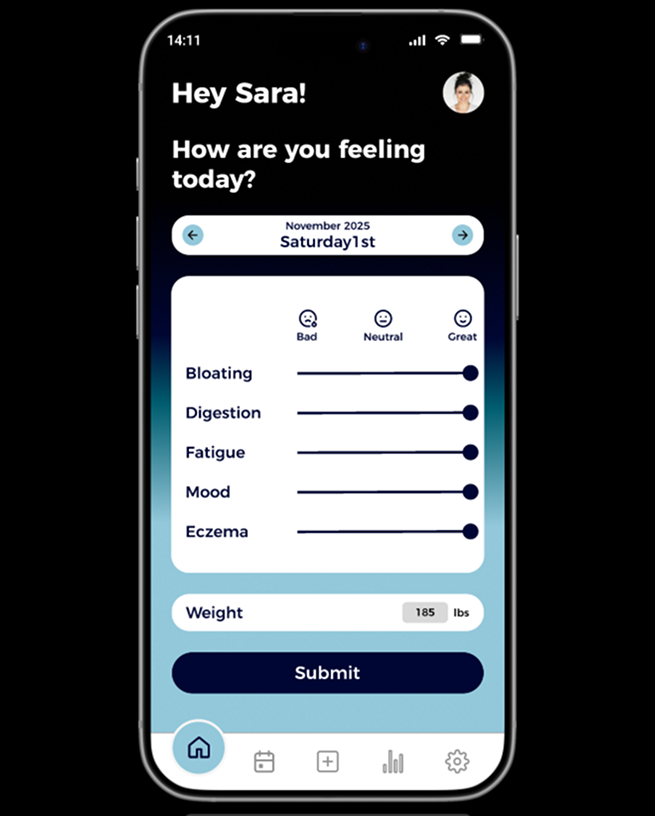
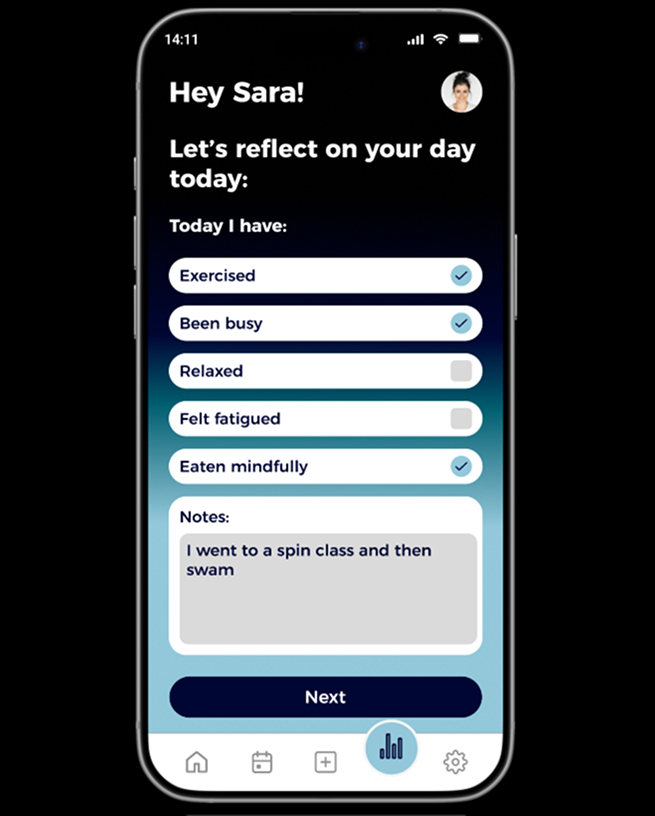
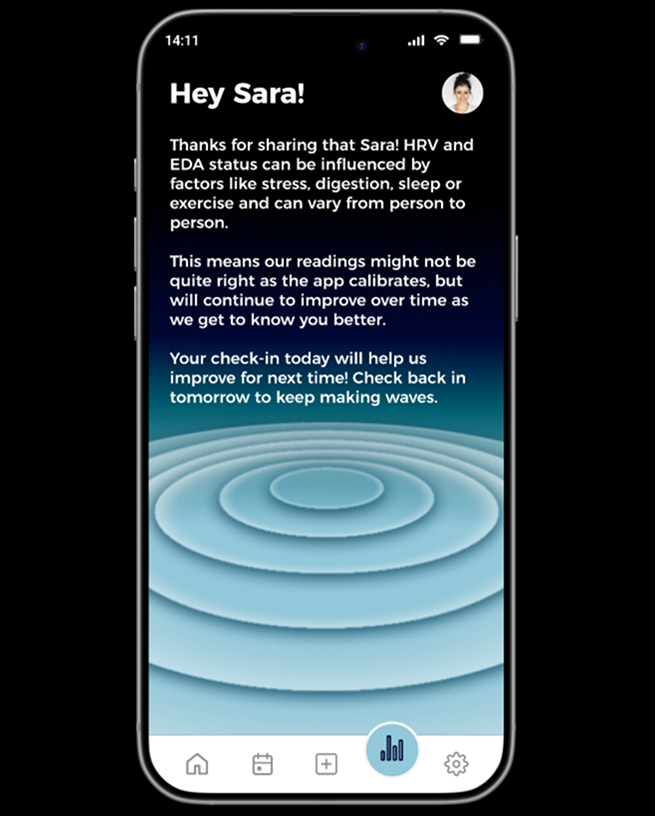
Sara follows the app’s request to check in due to the low HRV status, she isn’t experiencing symptoms today (screens 2-4). Reflecting on her day, she notes she has been exercising at a spin class and swimming (screen 5). This may have been missed by the apps accelerometer signalling a false positive.
Physiological Input + Self Reported Data
The Wave app recommends drinking lots of water, rest and sticking to simple foods to help ease her symptoms. Due to the false negative reading, the app requests an EDA scan for additional physiological data, so that it can recalibrate and improve future physiological readings.
App Feedback
The app uses the self-reported data to improve future readings by recalibrating. Sara understands that her input is helpful to the machine learning algorithm as it helps improve for future readings as it gets to know her better.
Outcome
walkthrough: No Physiological data
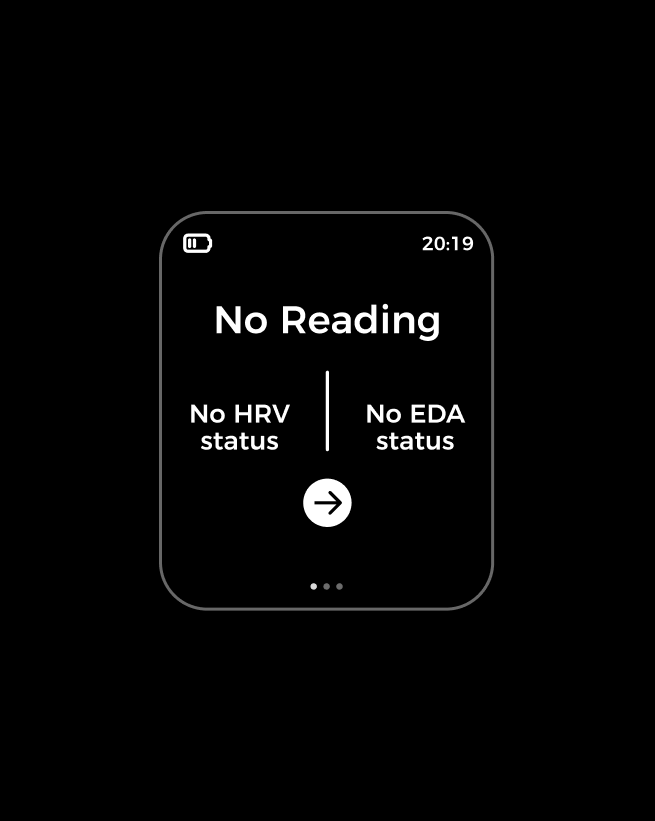
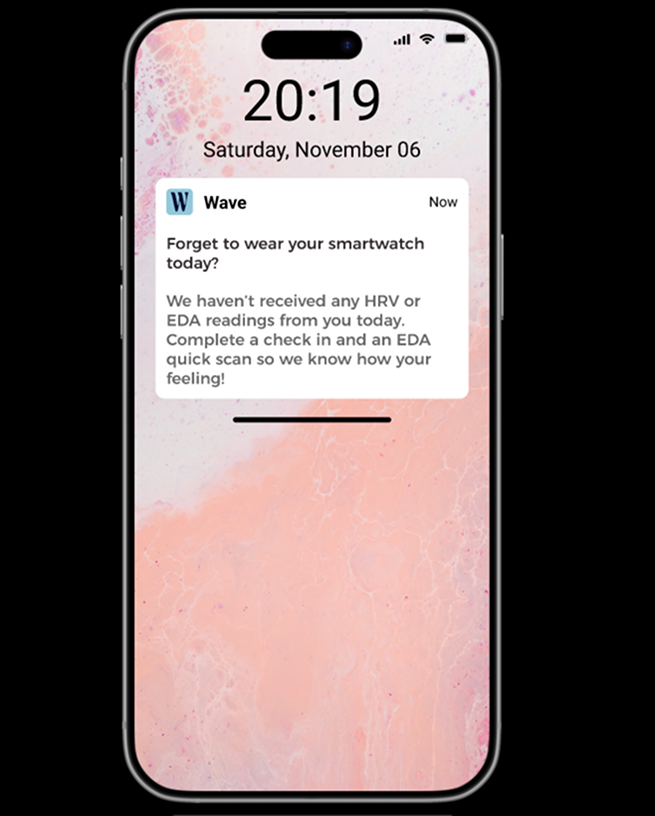
Sara goes out for the day, forgetting to put her smartwatch on, meaning the Wave app cannot receive any physiological data that might infer emotions or symptoms (screen A).
Physiological Input + Self Reported Data
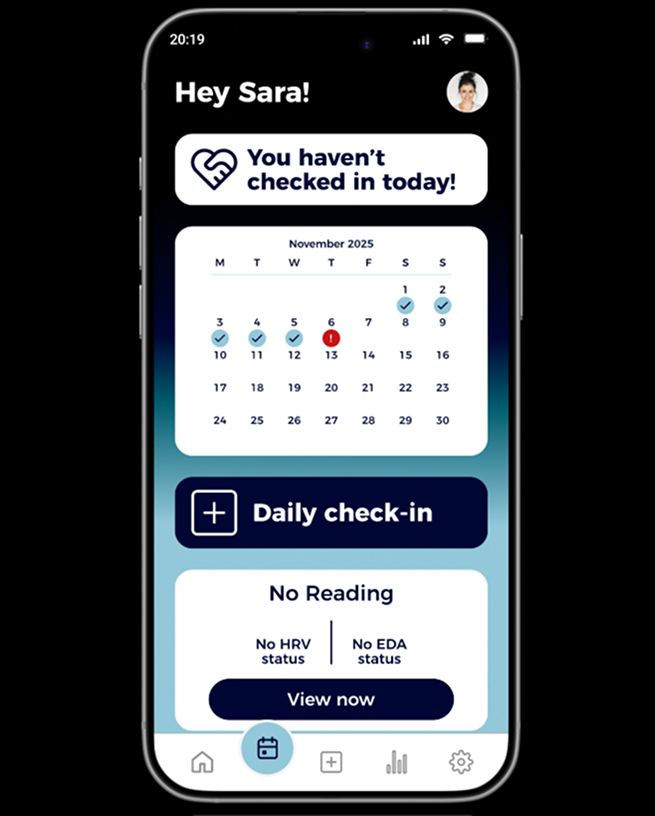
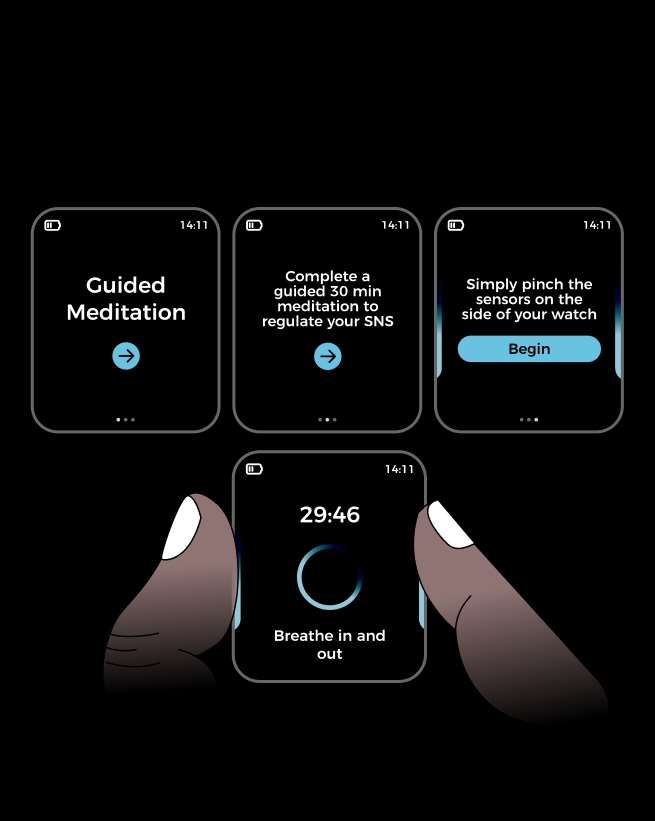
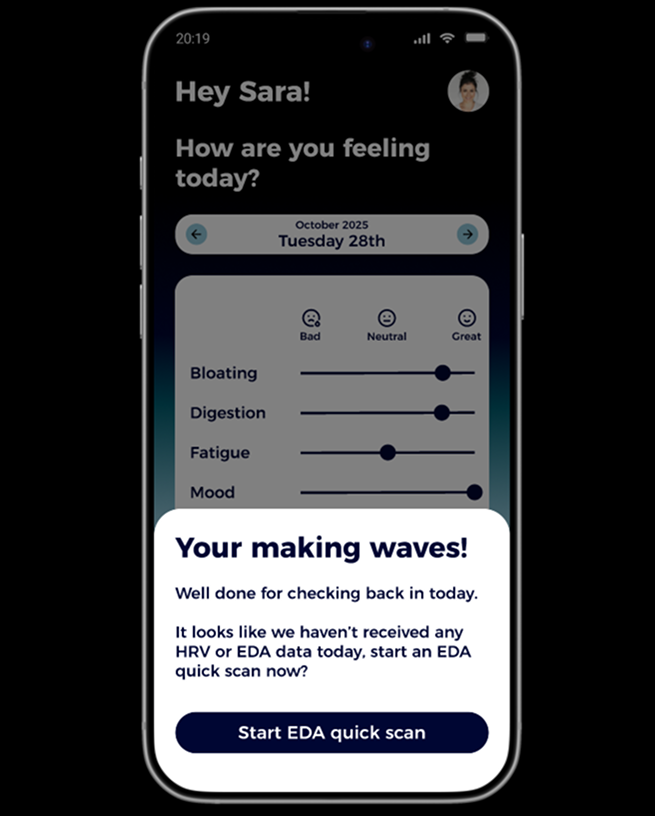
Sara receives a push notification (screen 1) requesting she completes a check in. Because the app hasn’t received any HRV readings throughout the day, the Wave app also suggests completing an EDA quick scan (Screen 3, Screens B-E) so the app’s machine learning can classify the data and triangulate.
App Feedback
Sara feels on track and focused as the prompts and reminders from the app have helped keep her on track, leaving no gaps in her tracking.
Outcome
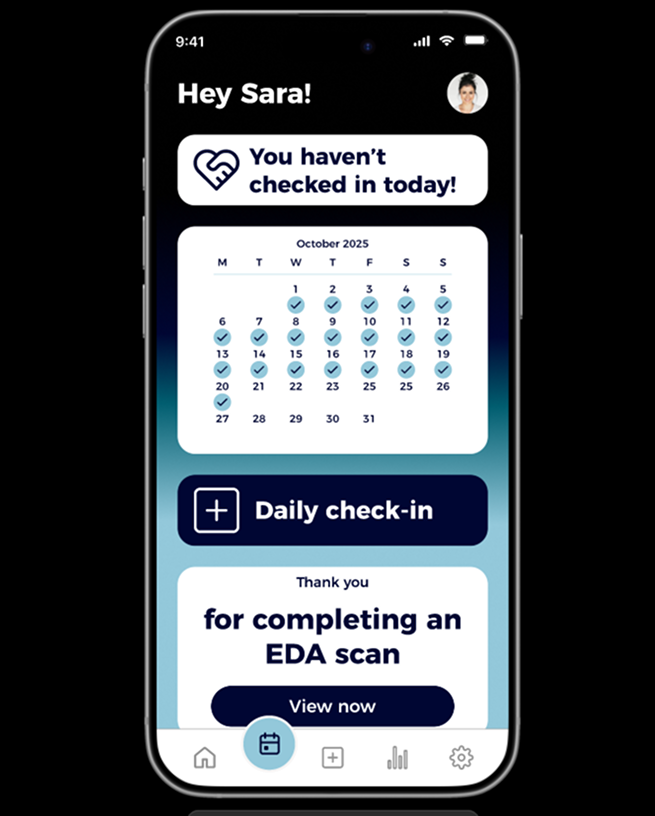
walkthrough: No self reported data
Sara’s physiological data is within its normal baseline range. Sara is feeling a bit distracted and hasn’t logged any food or water today and hasn’t completed a check-in as she isn’t feeling very motivated.
Physiological Input + Self Reported Data
The Wave app sends a push notification reminding Sara she hasn’t checked in (screen 1). Sara opens the app and receives a pop-up prompt, advising that Wave works best with consistent data (screens 2-3).
App Feedback
Sara chooses not to check-in and receives no further prompts, allowing Sara to take a break for the day so as not to overwhelm or irritate her. The app logs physiological data for the day instead.
Outcome
The final stage for this project was to create an evaluation plan. The plan suggests the main goal to evaluate is:
Does the app encourage users suffering with food sensitivity to maintain engagement by successfully implementing adaptive feedback?
evaluation
Which can be further broken down by answering:


